The Custody Card · digital business cards
A digital business card for every employee — scanned, never reprinted
An electronic business card that opens from a QR code, an NFC tap or the phone wallet, and saves the contact in one tap — in your company’s identity, not each employee’s own design.
On Business Basic · 46 SAR a month, billed yearly
Fnoon Al-Majd Advertising — a real customer page on AurCard
- The Custody Card
- The employee’s card belongs to the company: its identity is locked, its edits are approved, it stops the day the employee leaves, and their customers stay with the company.
- The Customer Ledger
- The company’s contact list: import, groups, the source of every number, and consent. Not to be confused with the public AurCard Directory.
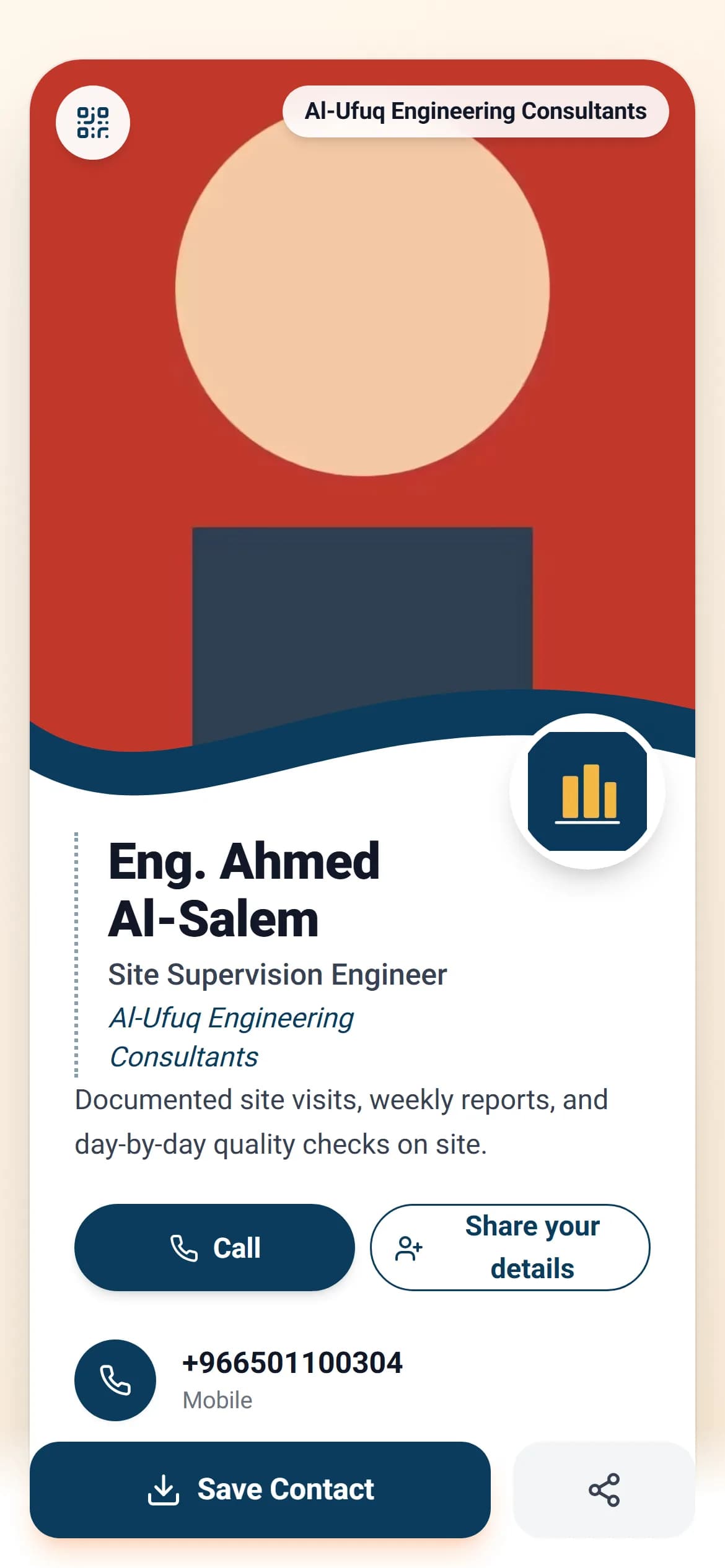
A digital business card is a web page carrying an employee’s name, title, numbers and links, which the other person opens by scanning a QR code, tapping an NFC card or following a link, and saves as a contact in one tap — no app. It is what the paper card was trying to be: it never runs out, is never reprinted when a number or title changes, and it can be measured. In AurCard it is a custody card: the company owns it the way it owns a work laptop; its logo, colours and address are shown from the company page and locked, the employee’s edits are approved before they go live, and the numbers they collect are kept in the company’s Customer Ledger. The day they leave, their card stops with one click and their customers stay with the company.
How it works
- 1
Add the employee
With their name and number, in their branch and department. Their card is created in the company’s identity from the first moment.
- 2
They complete their part; the manager approves
Their photo, title, bio and numbers, in an editor on the card itself. What belongs to the company is locked, and their edit passes approval if you turned it on.
- 3
They share it the way the meeting needs
A QR code on screen, an NFC tap, Apple Wallet or Google Wallet, or a link in a message. At an exhibition with no signal, an offline code saves the contact directly.
Why it matters
Saved in one tap
The “save contact” button puts the name, numbers and company details into the other person’s phone as they are, with no typing.
One identity for the whole team
A changed company number or address reaches every card at the same moment, because they are read from one source rather than copied from it.
You know which meeting paid off
Views of each card, saves and the numbers it collected, per employee.
The customers stay with the company
Whoever leaves a number on an employee’s card is kept in the company’s Customer Ledger under the name of who collected it — and stays there the day that employee leaves.
Common questions
- What is the difference between a paper card and a digital one?
- A paper card is printed, handed out and then its trail ends: it gets lost, goes stale at the first change, and you never know who kept it. A digital card is saved into the other phone in one tap, its page stays current, and it shows you how often it was opened and saved.
- Does the other person need an app?
- No. The phone camera reads the QR code, the card opens in the browser, and the contact is saved by the phone itself.
- How many employees does a plan include?
- The number of seats differs between Business Basic and Business Pro, and each extra employee is added with their card as an add-on from the dashboard. The current numbers are on the pricing page.
- What happens to an employee’s card when they leave?
- You stop it with one click: its link answers with the company page, their access to the Customer Ledger and conversations ends, and the numbers they collected stay with the company.
Employee cards are on the Business Basic and Business Pro plans, with extra employees as an add-on. See pricing