QR code
A QR code for your shop and your employees’ cards — in your own colours
One code that opens your page, printable on anything: a sign, a receipt, a shop window, a card.
On Business Basic · 46 SAR a month, billed yearly
Najmat Rayan Games — a real customer page on AurCard
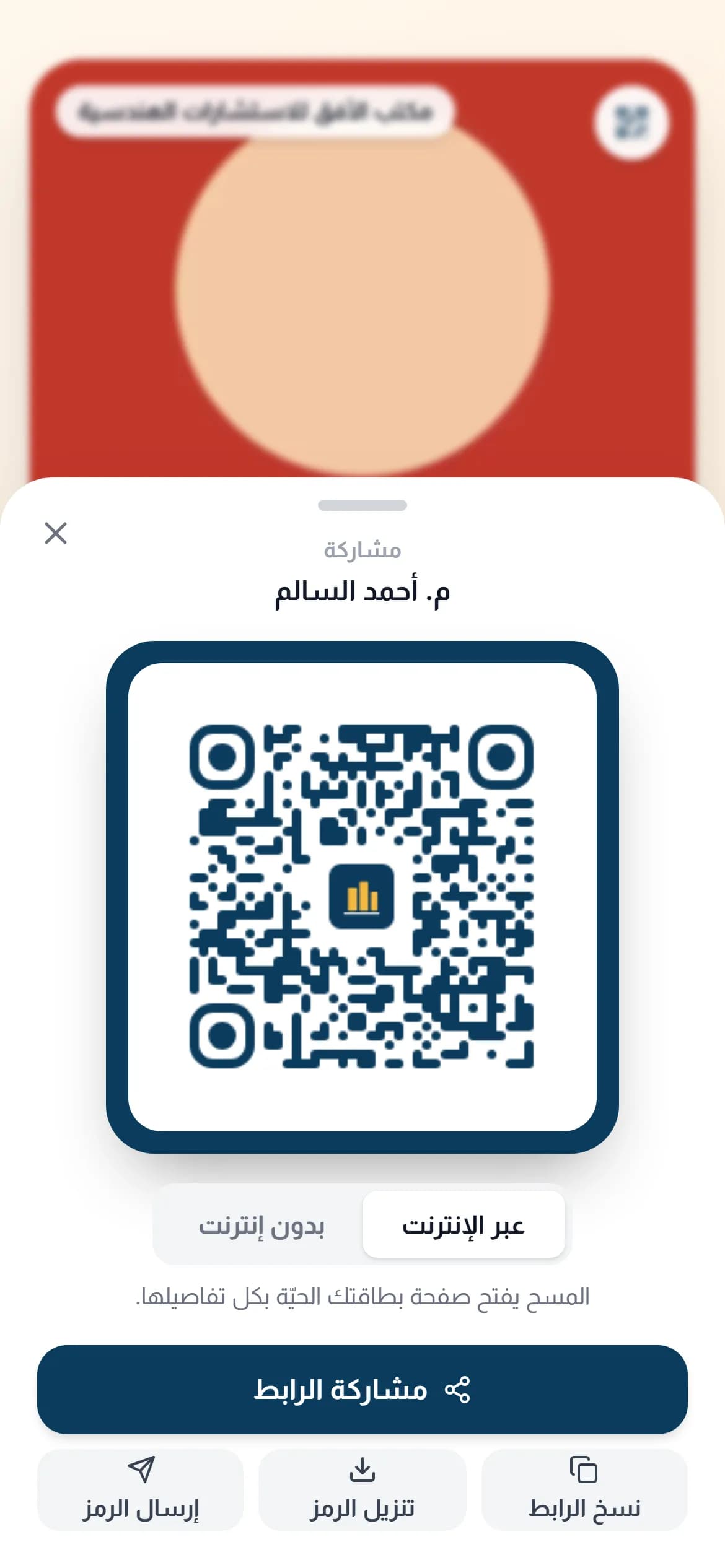
A QR code opens your page when any phone points its camera at it — no scanner app, since the camera itself has handled this on iPhone and Android for years. Here the code points at your permanent page URL, so you can change the page content whenever you like without reprinting the code.
How it works
- 1
Set the colours
Pick the code and background colours to match your identity, keeping enough contrast for a fast read.
- 2
Download at print quality
Get a high-resolution file that prints on a large sign or a small card alike.
- 3
Put it where people are
The window, the table, the receipt, your email signature. Anywhere a customer waits two seconds is a good spot.
Why it matters
Fixed link, changing content
The printed code needs no update when your offer or your numbers change.
Real measurement
You see how many opens and when, so you can compare the window sign to the table sign instead of guessing.
Complements NFC rather than competing
Tapping is faster, but a code works from a distance and with any phone. Having both covers every case.
Common questions
- Does the code expire?
- No. As long as your subscription is active the link works and the printed code stays valid.
- What is the smallest size to print?
- Not below 2 cm × 2 cm for close-up print, and larger as the reading distance grows.
A code in your brand colours on Business Basic and Business Pro, one per branch. See pricing