NFC cards for employees
Smart NFC business cards in Saudi Arabia
An NFC card for every employee that opens their card, in the company’s identity, with one tap on any modern phone — on the company plans, with no app and no link to type.
On Business Basic · 46 SAR a month, billed yearly
Fnoon Al-Majd Advertising — a real customer page on AurCard
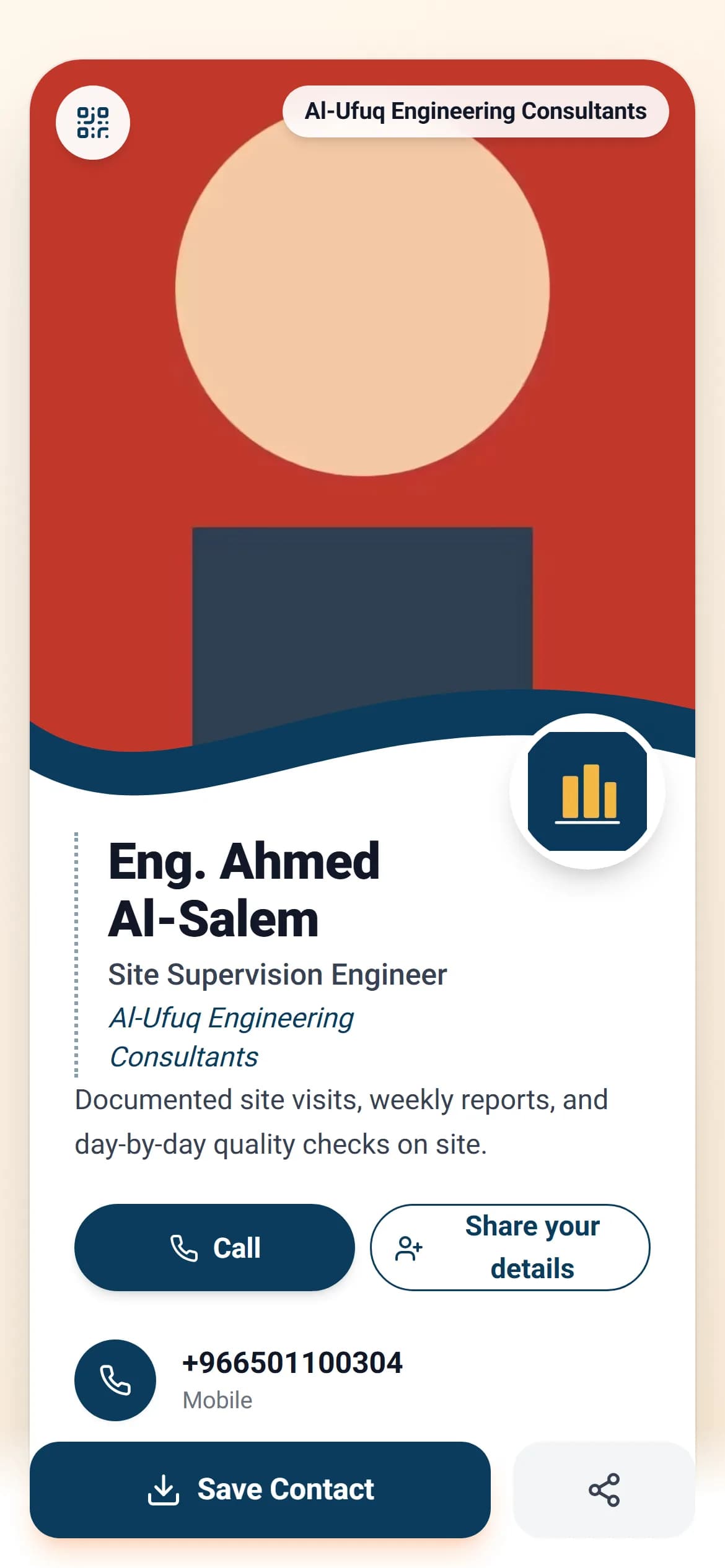
An NFC card carries a small chip with no battery. When an employee holds it near a modern phone, their digital business card opens straight in the browser — in the company’s logo and colours, with their name, title and numbers — and the other person needs no app and no setup. It works with iPhone 7 and newer and with most recent Android phones, and on most of them reading is on by default. The chip carries only the card’s address, so what it shows is run from the company dashboard: edited, approved, or stopped the day the employee leaves.
How it works
- 1
Create the employee’s card
From the company dashboard: their name, title, photo and numbers, with the company identity shown on it automatically. Every card has a permanent address.
- 2
Point the card at the link
The chip is programmed to point at the card’s address. Editing the details later needs no new card — the address stays, the content changes.
- 3
One tap at the meeting
A notification appears on their screen; one press opens the card. From there the other person saves the contact or leaves their number with the company.
Why it matters
Never runs out, never reprinted
The employee’s number or the company address changed? It changes on the card, and the physical card stays valid.
You see what happened next
Analytics per employee: how often their card opened, how often it was saved, and how many numbers it brought the company.
The card needs no power
The chip has no battery to charge. The phone powers it for the instant it is read.
With a QR code as the fallback
If their phone is old or NFC is off, the QR code on the card does the same job.
Common questions
- Does the other person need an app?
- No. The page opens in their phone browser, exactly like any link.
- Does it work on iPhone?
- Yes, from iPhone 7 onward. On recent models the reading is always on, with no setting to change.
- Can someone steal my data over NFC?
- The chip carries only your public page URL — the same thing a paper card gives away. It holds no banking data and no passwords, and its range is a few centimetres.
For employee cards on the company plans (Business Basic and Business Pro). See pricing