Catalog
Your product and service catalog
Show what you sell with photos, prices and descriptions, on one page opened from a phone.
On Business Basic · 46 SAR a month, billed yearly
Maqam Al-Thobe — a real customer page on AurCard
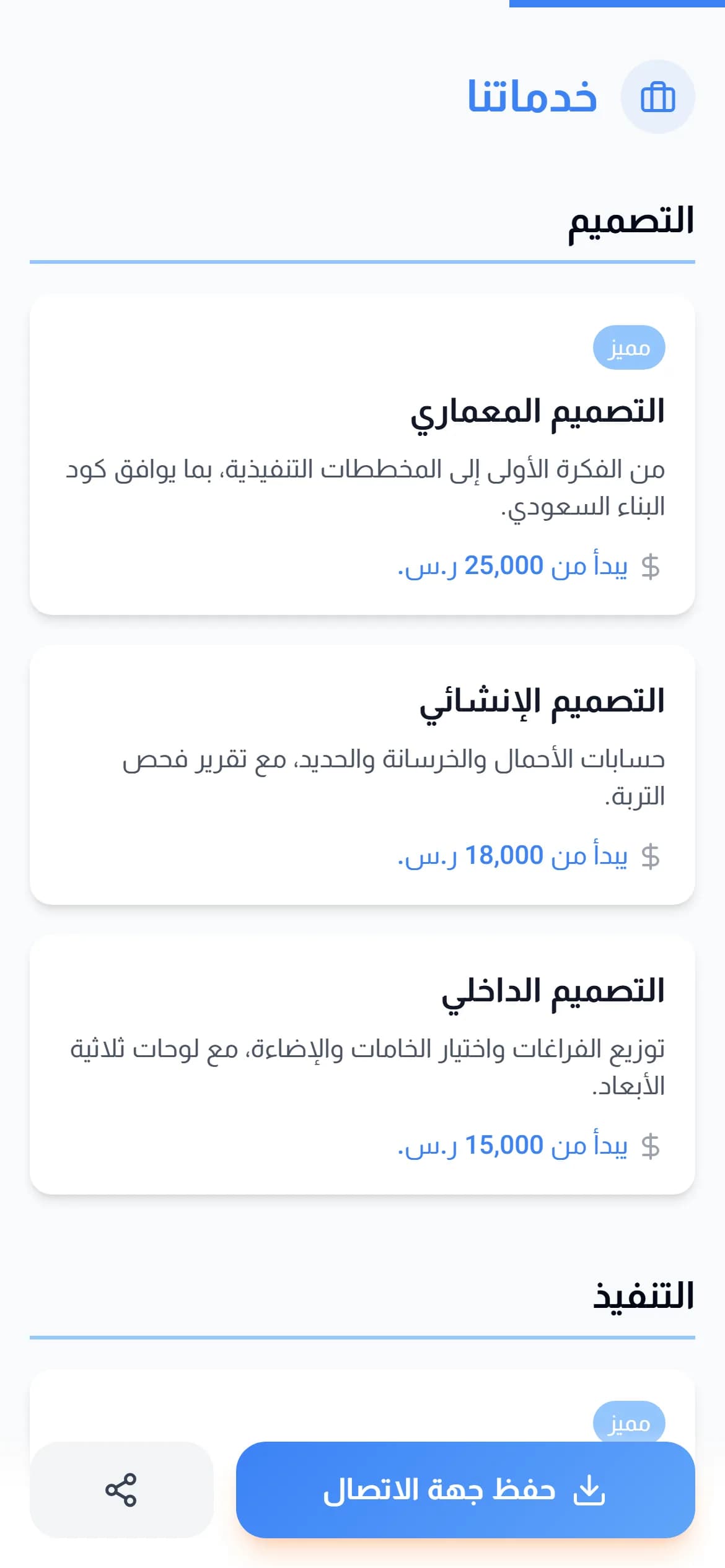
The catalog shows your products or services grouped into categories, each with a photo, a price and a short description. A customer opens it from your shop page, browses on their phone, and contacts you about any item over WhatsApp, phone, or the contact form.
How it works
- 1
Group into categories
Categories are what make a fifty-item catalog browsable on a phone screen.
- 2
Photograph in good light
A clear photo on a plain background does more than any description.
- 3
Update prices instantly
Every edit shows immediately to everyone who opens the page after it.
Why it matters
A replacement for the PDF catalog
A PDF is heavy and unreadable on a phone. A page is faster and updates without resending.
A link per item
Send a link to one product to the customer asking about it, instead of the whole catalog.
You see what gets viewed
Analytics show how often the page opened and which link was tapped.
Common questions
- Does it include online payment?
- The catalog is for display and contact. Ordering happens over WhatsApp, phone, or the contact form.
- How many items can I add?
- There is no item limit; the practical limit is the image storage in your plan, which can be extended as an add-on.
Part of the shop page on the Business Basic and Business Pro plans. See pricing