Phone wallet
Your card in Apple Wallet and Google Wallet — in its own design
Where your boarding pass and payment card live: your business card in your company’s colour and logo with your photo, opened from the wallet in a second and scanned with no signal.
On Business Basic · 46 SAR a month, billed yearly
Fnoon Al-Majd Advertising — a real customer page on AurCard
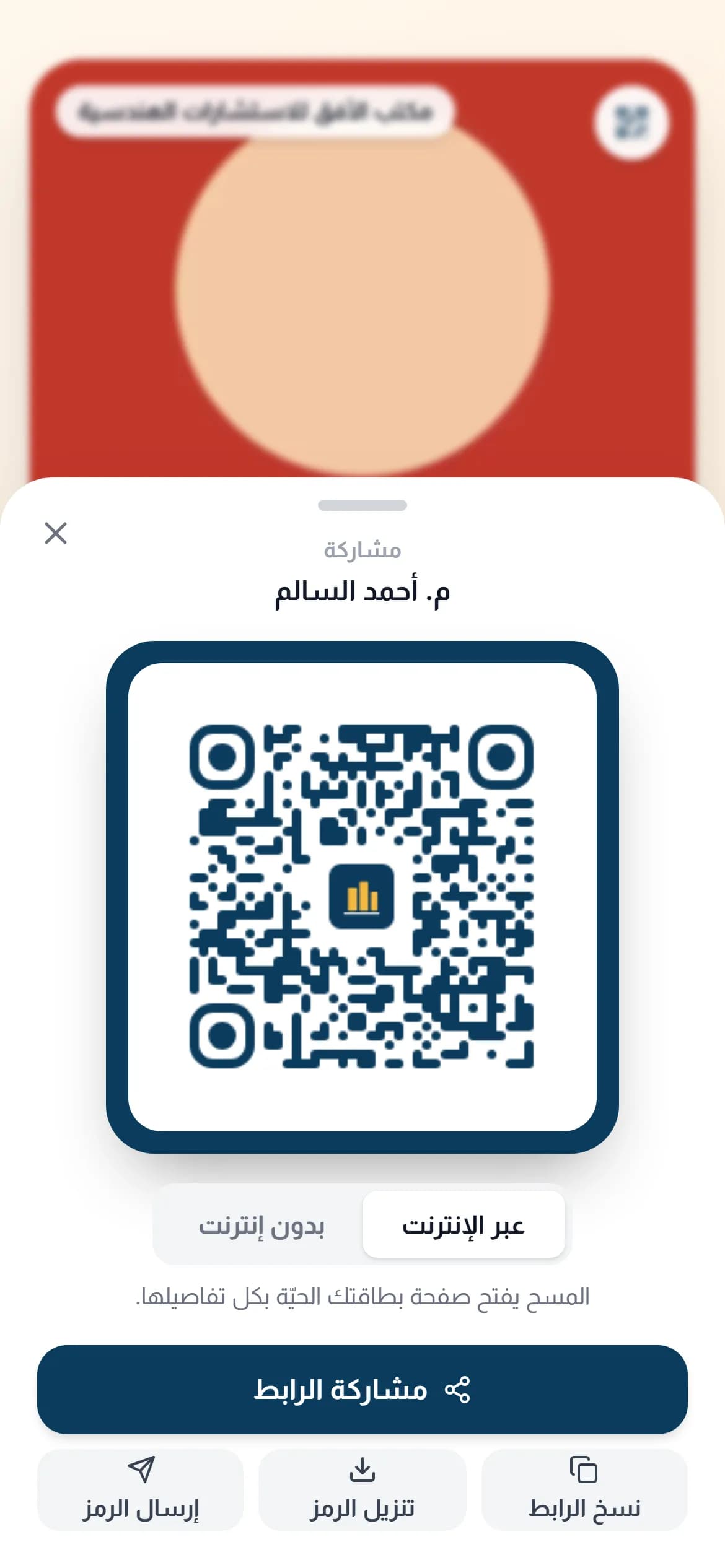
Where is the link when you need it? In a lift, at a customer’s door, at a crowded exhibition with no signal. A card in the wallet opens in a second, carries its own code, and shows your company’s colour and logo, your photo, title and branch — not AurCard’s logo. The code on the pass opens your live page, so every edit you make reaches whoever scans it. On iPhone through Apple Wallet; on Samsung and the rest of Android through Google Wallet.
How it works
- 1
Open your card in the dashboard
Under the QR code you find “Add to Apple Wallet” and “Add to Google Wallet”.
- 2
Press the button for your phone
The system builds the pass in your company’s colour and logo with your photo, and the phone opens it to add with one tap.
- 3
Show it to be scanned
From the wallet: the code on the pass opens your live page, and from the card page you can switch to an offline code that saves the contact directly.
Why it matters
In your company’s identity, nobody else’s
Colour, logo and branch are read from your company page, so every employee’s pass looks printed by the same press.
Works when there is no signal
The code on the pass is read straight from the screen, and in offline mode it carries the contact details themselves.
It opens your live page
The code on the pass opens your live page, so every edit reaches whoever scans it; to refresh the fields printed on the pass itself, add it again with one tap.
Every scan counts
Scans from the wallet show in your analytics like sticker scans.
Common questions
- Does it work on Samsung?
- Yes. Samsung and the rest of Android use Google Wallet, and the same button opens it.
- Does the other person need an app to scan it?
- No. Any modern phone camera reads the code and opens your page or saves the contact.
- Is the pass shut off if the employee leaves?
- The code on the pass opens the employee’s page, and when the company stops that page the code stops with it.
For employee cards on the Business Basic and Business Pro plans. See pricing