The Custody Card · team management
Digital business cards for employees, in the company’s identity
Logo, colours and details are enforced by the company, an employee’s edits are approved before they go live, and a leaver’s card stops with one click.
On Business Basic · 46 SAR a month, billed yearly
Fnoon Al-Majd Advertising — a real customer page on AurCard
- The Custody Card
- The employee’s card belongs to the company: its identity is locked, its edits are approved, it stops the day the employee leaves, and their customers stay with the company.
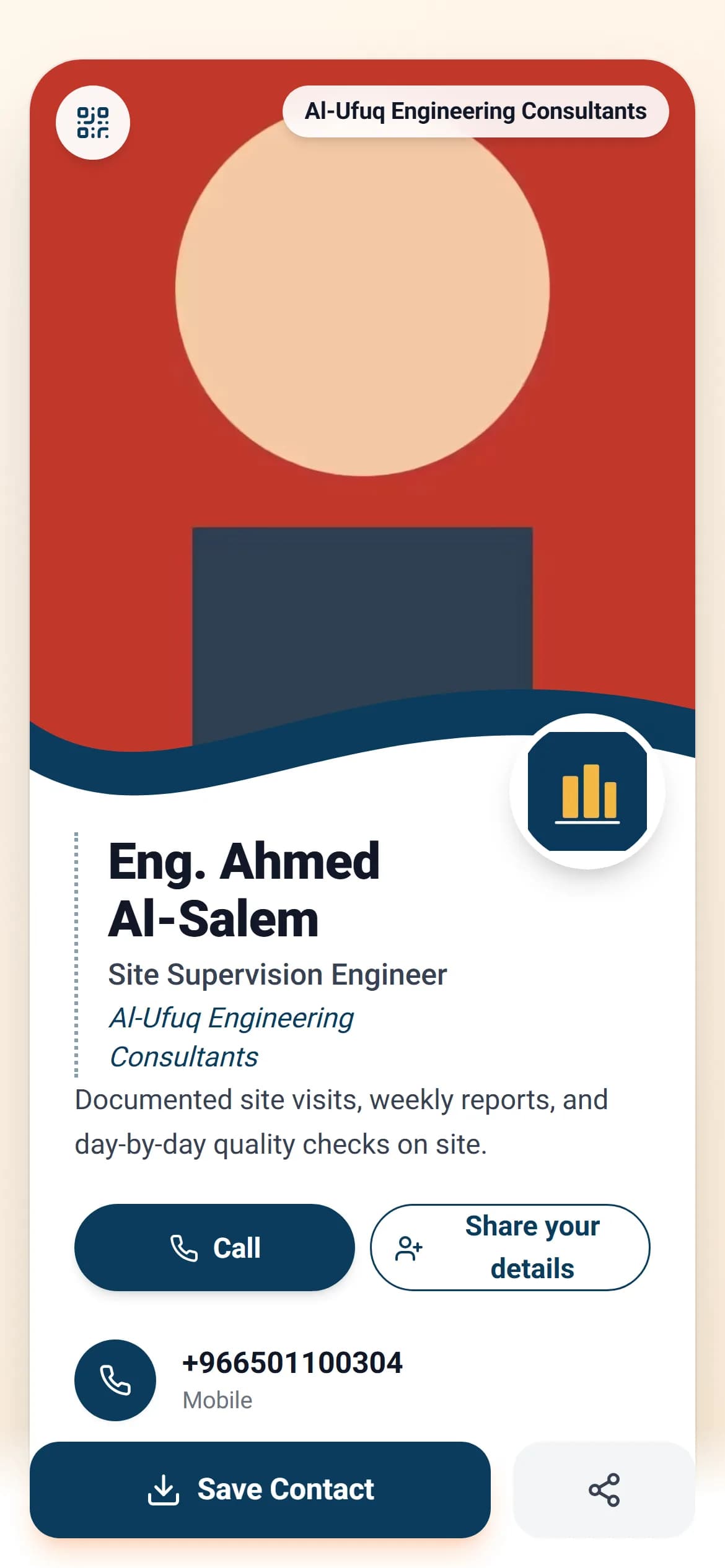
When every employee designs their own card, the company gets ten designs and ten accounts it owns none of — and when someone leaves, their card keeps carrying your name in people’s pockets. In AurCard the card belongs to the company: your logo, colours and company details are shown on every card straight from the company page, so a changed number or address reaches every employee at the same moment. The employee fills in what is theirs — photo, title, numbers — and their edit is shown to the manager before anyone sees it. The numbers they collect from their card enter the company’s Customer Ledger under their name. The day they leave: one click stops the card and cuts their access to customer data, and the customers stay.
How it works
- 1
Add the employees
One by one, or by bulk invitation with several addresses. Each is placed in their branch and department and given a role: owner, admin, manager or member.
- 2
The employee completes their card
A live editor where they change their photo, bio and numbers on the card itself. What belongs to the company is locked and shown automatically.
- 3
The manager approves
Every edit appears as one request per card, approved or rejected with one click. No wording reaches a customer without passing the company.
Why it matters
An identity that does not break
Logo, colours, address, phone and social links on every card from one source. Never copied, so never different.
Permissions to the measure of need
A department manager sees their department; an employee sees their card, numbers and conversations. Whoever needs to reply to customers requests the permission from inside the dashboard.
Instant shut-off on leaving
Their card stops, its link answers with the company page, and their access to the Customer Ledger and conversations ends. Their customers’ numbers stay with the company.
You know who is actually working
Views of each card, saves, and the numbers it collected — per employee. The exhibition your team attended is measured in numbers, not impressions.
Common questions
- Can an employee change the logo or the company name on their card?
- No. Those are shown from the company page and locked on every card. They edit only what is theirs, and even that passes approval if you turned it on.
- How many employees does the plan include?
- The number of seats differs between Business Basic and Business Pro — the current numbers are on the pricing page — and each extra employee is added with their card as a yearly add-on at 179 SAR.
- Can approval be turned off for a small trusted team?
- Yes, from the company settings. The default is that edits are approved, because most companies prefer to see what goes out in their name.
On the Business Basic and Business Pro plans, with add-ons for members, branches and departments. See pricing