NFC vs QR Code: Which One Should You Use?
NFC works by close tap, QR by scanning at a distance. Each clearly wins in different situations. Here is the full comparison and when to use both.
Business Basic plan · 46 SAR a month, billed yearly
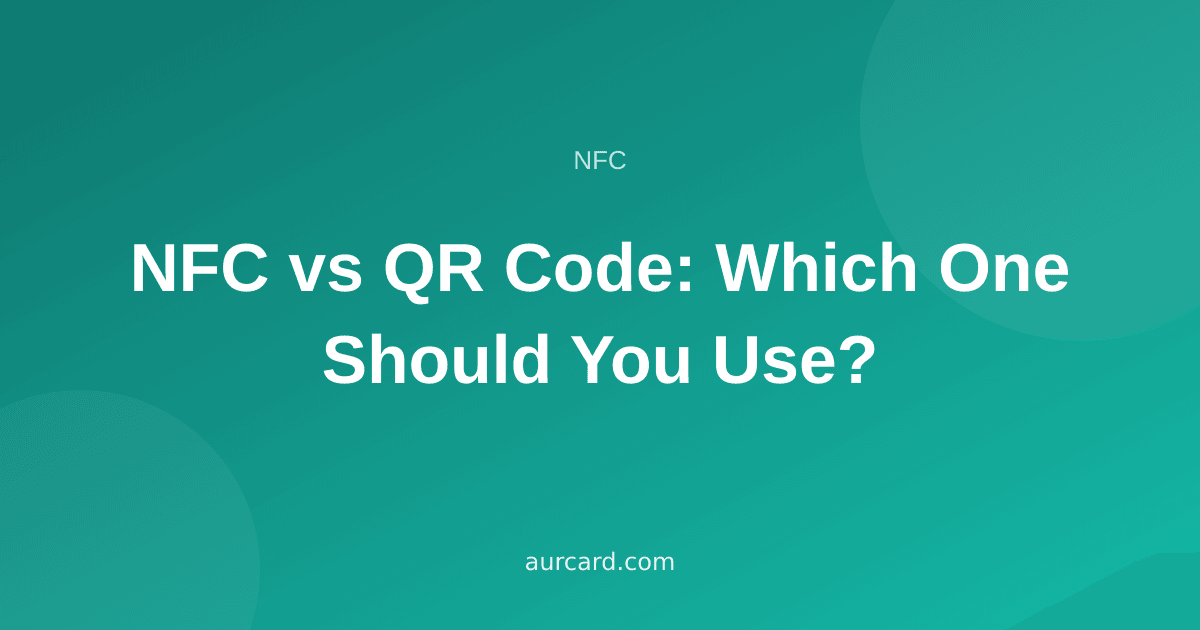
The practical difference is simple: NFC needs a close tap, QR needs line of sight. NFC is faster in person because it removes the step of opening a camera, but it requires a supporting device and a distance of no more than about four centimetres. QR works on virtually any phone with a camera, reads from a metre or more, and can be printed on any surface at negligible cost. The working rule is QR for the general public and display at distance, NFC for direct personal handover — and anyone wanting full coverage uses both, because combining them costs very little.
How each one works
NFC moves data through a short-range magnetic field. The phone powers the tag and reads a link from it in the same instant, with no app and no pairing. The full explanation is in what is NFC and how it works.
QR is a visual code read by a camera. The user opens the camera, aims it, waits for recognition, and taps the notification that appears. Four steps — but each one is familiar and quick.
The structural difference is that NFC requires hardware in the user's device while QR requires only a camera. That single fact explains most of what follows.
The full comparison
| Aspect | NFC | QR |
|---|---|---|
| Device support | Mid-range and recent phones | Almost any phone with a camera |
| Distance | Up to 4 cm | Half a metre to several metres |
| Steps required | One tap | Open camera, aim, tap |
| Cost | A tag or card per copy | Effectively zero — printed or displayed |
| Display at distance | Does not work | Works well |
| Through glass | Poorly | Works |
| On metal | Needs a special type | Unaffected |
| Changing the destination | From the dashboard | From the dashboard |
| Low light | No effect | Can hinder scanning |
| Wear | Robust, but a physical object | Print fades or gets dirty |
Where NFC clearly wins
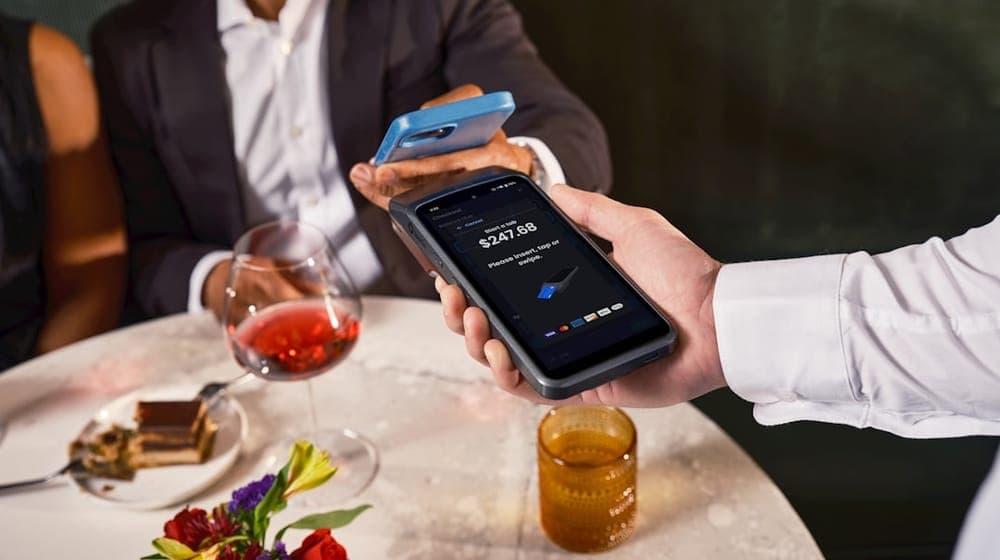
In personal meetings. Standing with someone and wanting your profile on their phone, a tap is faster and less awkward than watching them open a camera and aim it.
On tables and nearby surfaces. A tag on a café table or a clinic reception desk gets tapped naturally, because the customer is already close to it.
When you want the experience to feel considered. A tap has a real impression effect; it reads as deliberately designed.
In low light. A dimly lit restaurant makes QR scanning slow, while NFC is entirely unaffected by light.
Where QR clearly wins
With the general public. You cannot assume every customer carries an NFC-capable device or knows how to use it. QR works for nearly everyone.
At a distance. On a shop window, an exhibition roll-up, a display screen, a poster. NFC does none of these.
In print. An invoice, a bag, a coffee cup, a flyer, a billboard. Printing is close to free and copies are unlimited.
When cost matters. A thousand cups with a printed QR code cost nothing extra; a thousand NFC tags are a real expense.
On screens. QR can be shown on a television, a phone or a monitor. NFC cannot be displayed on a screen at all.
The factor that usually decides it: who the user is
The common error is choosing based on what appeals to the business owner rather than on who will actually use it.
If your customers are young people with recent phones in a café in Al Malqa, NFC will work for the large majority of them. If your business serves a wider age range or customers with varied devices — a grocery, a pharmacy, a service centre — relying on NFC alone excludes a share of people, and you will never know how many.
The rule: the more varied your audience, the more QR belongs as the primary option, with NFC as an addition for those who can use it.
Why combining them usually is the answer
The idea that dissolves the whole problem: put both on the same object. A smart sticker in a shop can carry an embedded NFC chip and a printed QR code on its face.
Whoever can tap, taps; whoever cannot, scans; nobody is lost. Better still, both lead to the same page, so there is no duplicate administration and no second link to keep updated.
That is the standard design for shop stickers, and the details are in smart stickers for shops.
What changes over months, not on day one
The difference between them shows up months after installation rather than on the day, and this is the part a paper comparison misses.
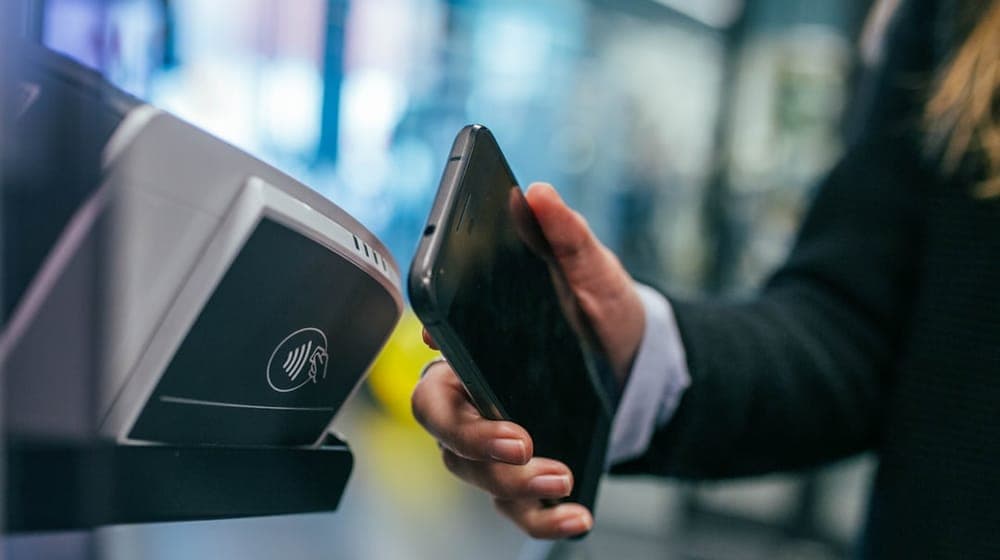 Photo by Jonas Leupe on Unsplash
A printed QR code is subject to everything print is subject to: it fades in direct sun, stickers get dirty in high-traffic spots, and edges lift with repeated cleaning. A faded or scratched code can become unscannable without the owner noticing, because nobody will tell them — a customer tries once and moves on.
An NFC tag does not fade, since its chip is protected, but it is vulnerable to a different kind of damage: a sharp bend can sever the copper antenna, and extreme heat harms the chip. In normal indoor retail conditions, both are rare.
The practical conclusion is that both need periodic checking, and checking is trivial: test the tag and the code yourself once a month. Lifespan and maintenance are covered in NFC sticker maintenance and lifespan.
A recurring mistake: NFC alone at an event
Turning up to an exhibition with only an NFC card creates two problems. First, some visitors' devices will not work or they will not know where their antenna is, and awkward seconds disappear into repeated attempts. Second, NFC requires the visitor to be directly in front of you, whereas a QR code on the stand works for everyone passing, including at a distance.
The right arrangement at events is a large printed QR code as the foundation, with an NFC card for one-to-one conversations. And if a tap has not worked within two seconds, move to the code rather than persisting.
Costing it honestly
QR is nearly free: create it once and print it without limit. Its only cost is print quality, which is a marginal difference in the price of the printing.
NFC has a per-unit cost, because every tag is a physical object. The sensible approach is to place NFC where the impact is highest — the few important touchpoints such as the till counter, the reception desk, your own card — and let QR handle broad, cheap distribution.
Scattering NFC tags everywhere indiscriminately pays a cost with no matching return, because many end up in places nobody ever brings a phone near.
Which is better for a personal card?
For personal use, the comfortable arrangement is an NFC card in your wallet for meetings, a QR code saved in your photos or in your phone wallet as a fallback, and the link for sharing remotely in messages.
All three lead to the same page, and each covers a situation the others do not. Saving to a phone wallet is covered in adding your card to Apple and Google Wallet.
In summary
The question is not "which is better" but "where will the user be standing, and with what device?"
Close by with a recent phone: NFC first. At a distance or with an unknown device: QR. And if you do not know — which describes most shops — use both and stop asking.
With AurCard, an NFC tag and a QR code lead to the same page, and you can change what that page says without touching either of them.
Read next
The smart sticker: where to put it, and why the storefront and the till give different numbers
Three places, three different intentions in the customer’s head — and how to read each sticker’s numbers to know which deserves a second one.
NFC Sticker Maintenance and Lifespan
An NFC tag has no battery and no moving parts, but installation and environment decide its life. Here is what damages one and how to check yours.
NFC Cards for Teams and Employees
NFC cards for a team mean one identity, central updates, and instant deactivation when someone leaves. Here is how to roll them out without chaos.